

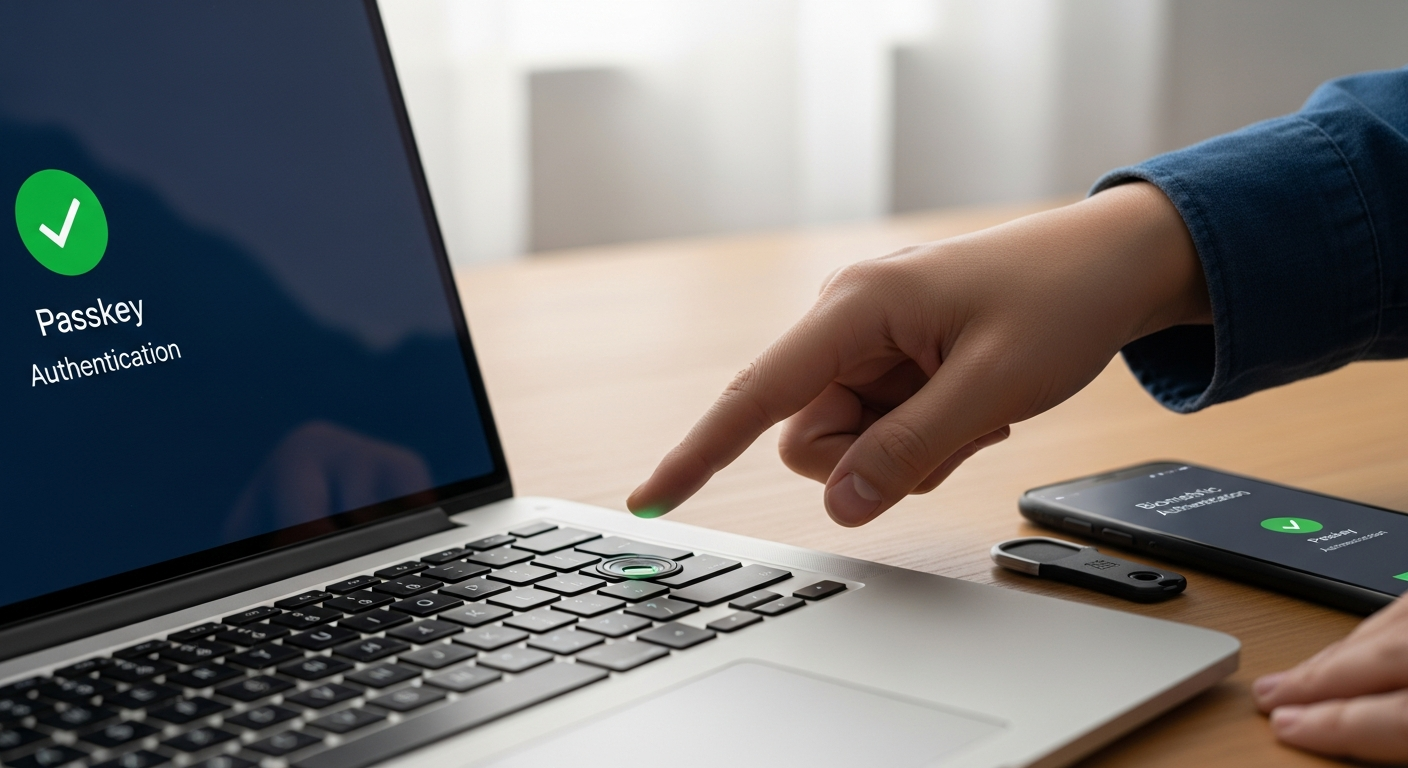
Passwords have been the standard for digital authentication since the 1960s. After six decades, we can confidently say they were never a good solution — they were just the only solution we had.
Users choose weak passwords. They reuse passwords across accounts. They write them on sticky notes. They fall for phishing attacks that steal them. And no amount of complexity requirements, rotation policies, or password managers has fundamentally solved the problem. In 2025, compromised credentials remained the number one initial attack vector for data breaches.
Passkeys are the technology that finally replaces passwords — and the transition is accelerating faster than most businesses realize.
What Are Passkeys?
Passkeys are a FIDO2-based authentication standard that replaces passwords with public-key cryptography. When you create a passkey for a service, your device generates a cryptographic key pair. The private key stays on your device (protected by biometrics or a device PIN). The public key goes to the service. To authenticate, your device proves it holds the private key without ever transmitting it.
The result:
- Nothing to phish — There's no password to steal. Even if an attacker creates a perfect fake login page, the passkey won't authenticate against the wrong domain.
- Nothing to reuse — Each passkey is unique to the service. Compromising one doesn't affect others.
- Nothing to remember — Users authenticate with a fingerprint, face scan, or device PIN. No complex passwords to manage.
- Nothing to breach — The service only stores public keys, which are useless to attackers. There are no password databases to steal.
The Business Case for Passkeys
Security Benefits
Passkeys are phishing-resistant by design. Unlike passwords (which can be intercepted), MFA codes (which can be social-engineered), and even push notifications (which can be fatigue-attacked), passkeys bind authentication to the legitimate domain. An attacker cannot use a passkey obtained from a phishing site because the cryptographic challenge is domain-specific.
This single property eliminates the entire category of credential-based attacks — which account for the majority of successful breaches.
User Experience Benefits
Every IT administrator knows the helpdesk cost of password resets. Industry data shows that password-related tickets account for 20-50% of all helpdesk volume. Passkeys eliminate forgot-password flows entirely. Users authenticate in under two seconds with a biometric — no typing, no remembering, no resetting.
Compliance Benefits
Regulatory frameworks including NIST SP 800-63B, PCI-DSS 4.0, and CISA's Zero Trust Maturity Model explicitly recognize FIDO2/passkeys as a strong authentication method. Adopting passkeys positions your organization favorably for compliance assessments.
Where Passkeys Work Today
Passkey adoption has reached critical mass in 2026:
- Microsoft 365 supports passkeys for all account types, including Entra ID (Azure AD) business accounts
- Google Workspace fully supports passkeys with organizational policy controls
- Apple ecosystem syncs passkeys across devices via iCloud Keychain
- Major SaaS platforms — Salesforce, Shopify, GitHub, AWS, Cloudflare — all support passkeys
- Windows 11 and macOS support passkeys natively in the operating system credential manager
The gap is shrinking, but not all business applications support passkeys yet. Legacy line-of-business applications, on-premises systems, and some industry-specific software may still require traditional credentials.
How to Plan Your Transition
Phase 1: Enable Passkeys Alongside Passwords
Start by enabling passkey support on systems that already support it — Microsoft 365, Google Workspace, and major SaaS platforms. Allow users to create passkeys while keeping password+MFA as a fallback. This lets users adopt passkeys at their own pace without disruption.
Phase 2: Set Passkey as the Default
Once adoption reaches critical mass (typically 70%+ of users), make passkeys the default authentication method. New accounts are created with passkeys only. Existing users are prompted to create passkeys during their next login.
Phase 3: Deprecate Passwords Where Possible
For applications that fully support passkeys, disable password authentication entirely. This eliminates the credential-based attack surface for those systems. Applications that don't support passkeys continue with password+MFA, targeted for future migration.
Device Management Is Critical
Passkeys are stored on devices, which means your device management strategy becomes your authentication strategy. Mobile Device Management (MDM) and endpoint management ensure that:
- Only managed, trusted devices can store corporate passkeys
- Devices are encrypted and PIN/biometric-protected
- Lost or stolen devices can have passkeys revoked remotely
- Passkey syncing is controlled by organizational policy
Layer27's Protect Pro and Infrastructure Pro tiers include endpoint management that provides the device trust foundation passkeys require.
Common Concerns
"What if a user loses their device?"
Passkeys can be synced across devices (via iCloud Keychain, Google Password Manager, or Windows Hello) or backed up. Organizations should also maintain recovery passkeys or temporary access credentials managed by IT for device-loss scenarios.
"What about shared accounts?"
Shared accounts are a security anti-pattern regardless of authentication method. Passkey adoption is an opportunity to eliminate shared accounts and implement individual accountability.
"Our legacy apps don't support passkeys."
This is the most common blocker. Layer27 helps organizations inventory their application portfolio, identify passkey-compatible systems, and develop a phased migration plan. For legacy applications, we implement compensating controls (hardware security keys, conditional access policies) until the application can be upgraded or replaced.
Ready to move beyond passwords? Layer27 helps businesses plan and execute passkey adoption alongside Zero Trust, endpoint management, and identity governance. Contact us to get started.