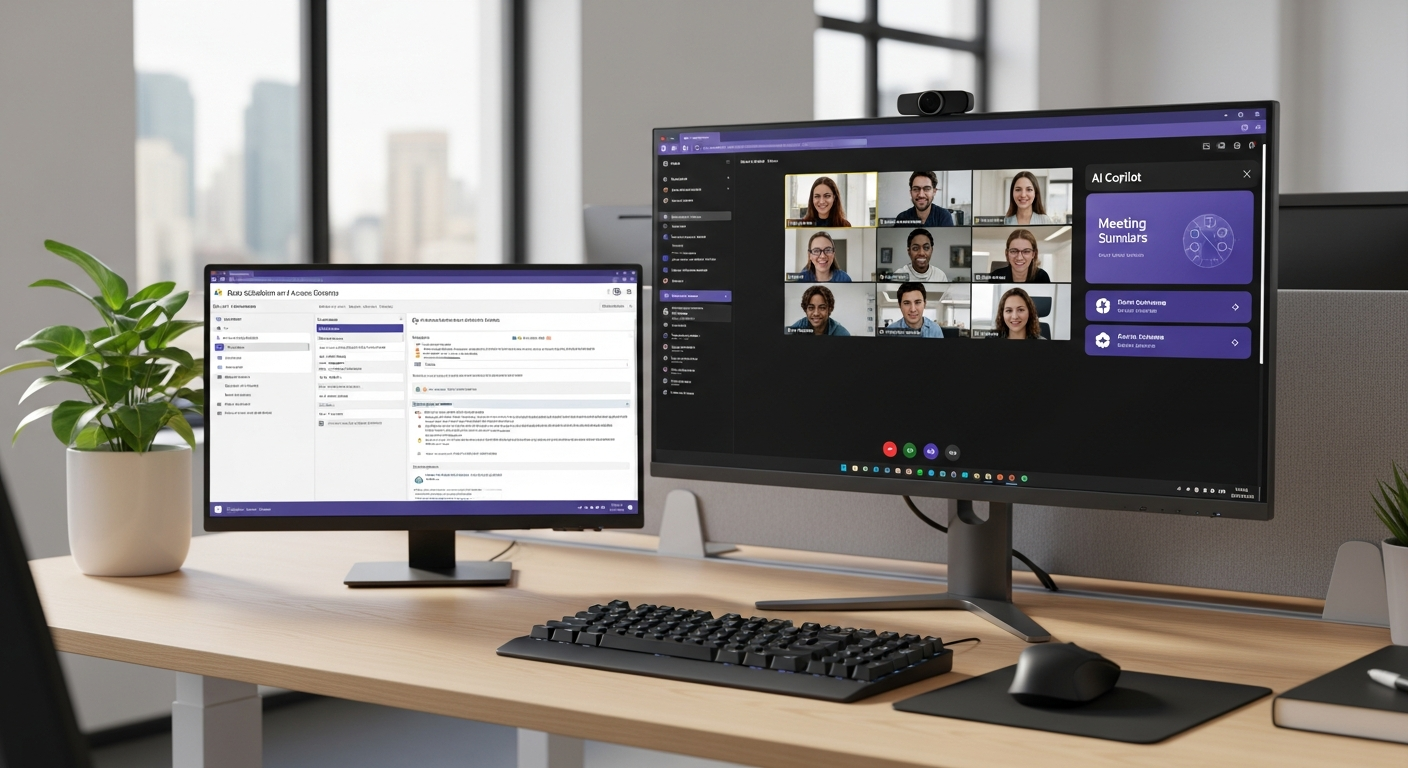
Microsoft Copilot has rapidly become one of the most adopted enterprise AI tools in history. Embedded across Word, Excel, Outlook, Teams, and SharePoint, Copilot can draft emails, summarize meetings, generate reports, analyze spreadsheets, and search across your entire Microsoft 365 environment using natural language.
For productivity, it's transformative. For security, it's a magnifying glass on every data governance problem you've been ignoring.
What Copilot Actually Does
Copilot operates as an AI assistant that has access to everything the user has access to in Microsoft 365. When an employee asks Copilot to "find all documents related to the Henderson acquisition" or "summarize last quarter's financial results," Copilot searches across SharePoint, OneDrive, Teams, Outlook, and every other Microsoft 365 service — returning results based on the user's existing permissions.
This is the key point: Copilot doesn't bypass permissions. It exercises them. And that's exactly the problem.
The Oversharing Problem
Most organizations have significant permission sprawl in Microsoft 365. Files shared broadly during a project are never un-shared. SharePoint sites created with open access are never locked down. Teams channels with sensitive content are accessible to people who no longer need it.
Before Copilot, this oversharing was somewhat contained by friction. An employee would need to know where a document was stored and navigate to it to find it. Copilot eliminates that friction entirely. Now, any user can ask a natural language question and instantly surface sensitive documents they technically have access to but were never intended to see.
Real-world examples that organizations have encountered:
- A new hire asks Copilot about "salary guidelines" and surfaces the company's complete compensation matrix
- A marketing intern queries "board meeting notes" and gets executive strategy documents
- An employee searches for "layoffs" or "restructuring" and finds HR planning documents
- A contractor asks about "client contracts" and accesses agreements they have no business seeing
None of these scenarios involve a security breach. No hacking occurred. No permissions were violated. The data was accessible the whole time — Copilot just made it trivially easy to find.
Data Classification and Governance First
Before deploying Copilot (or any AI assistant), organizations must get their data governance house in order. This means:
Audit Permissions Across Microsoft 365
Start with a comprehensive review of who has access to what. Focus on:
- SharePoint sites and document libraries — Identify sites with overly broad access
- Teams channels and files — Review guest access and cross-department sharing
- OneDrive sharing — Find documents shared with "Anyone with the link" or "People in your organization"
- Exchange/Outlook — Review mailbox delegation and shared mailbox access
Layer27 uses automated tools to scan Microsoft 365 tenants and generate permission reports that identify oversharing risks. This assessment is a standard part of our Protect Pro onboarding process.
Implement Sensitivity Labels
Microsoft 365's sensitivity labels allow you to classify documents by confidentiality level (e.g., Public, Internal, Confidential, Highly Confidential) and apply automatic protections. Labeled documents can be encrypted, access-restricted, and watermarked. When Copilot encounters a sensitivity label, it respects the associated restrictions.
This only works if labels are actually applied. Layer27 helps organizations define a labeling taxonomy and configure automatic labeling rules that classify documents based on content (e.g., any document containing Social Security numbers is automatically labeled "Confidential").
Right-Size Access Controls
Adopt the principle of least privilege across Microsoft 365. Users should have access to the data they need for their role — no more. This means:
- Using security groups instead of broad sharing
- Implementing access reviews that regularly validate permissions
- Removing guest access when projects end
- Using site-level and folder-level permissions instead of tenant-wide sharing
Monitor Copilot Activity
Microsoft provides Copilot usage analytics and audit logs that show what users are querying and what data Copilot is surfacing. Monitor this telemetry for patterns that indicate oversharing — if Copilot is regularly surfacing financial data to non-finance employees, that's a permissions problem, not a Copilot problem.
The Compliance Dimension
For organizations subject to compliance frameworks like HIPAA, PCI-DSS, or GLBA, Copilot introduces new considerations:
- Can Copilot access regulated data? If a clinician asks Copilot to summarize a patient interaction, that query and the AI-generated response may constitute PHI and must be handled accordingly.
- Are Copilot interactions logged? For audit purposes, you need to know what AI-assisted queries accessed regulated data.
- Do retention policies apply? Copilot-generated content may be subject to the same retention and eDiscovery requirements as any other business document.
Layer27's Compliance services help organizations evaluate and configure Copilot in the context of their specific regulatory requirements, ensuring that AI adoption doesn't create compliance gaps.
Best Practices for a Safe Copilot Deployment
- Audit permissions before enabling Copilot — Not after
- Start with a pilot group — Deploy to IT and a small business unit first, monitor the data Copilot surfaces, and remediate oversharing before expanding
- Implement sensitivity labels — Classify sensitive data and apply automatic protections
- Train users on appropriate use — Employees need to understand what Copilot can access and that AI-generated content should be reviewed for accuracy
- Monitor and iterate — Use Copilot analytics to identify and remediate ongoing permission issues
The Bottom Line
Microsoft Copilot is a powerful productivity tool that becomes a security liability when deployed without data governance. The AI doesn't create new risks — it exposes existing ones at unprecedented speed. Organizations that invest in permission auditing, sensitivity labeling, and access controls before deployment will realize the productivity benefits without the security downsides.
Planning a Copilot deployment? Layer27 helps businesses secure their Microsoft 365 environment before, during, and after AI adoption. Contact us for a Microsoft 365 security assessment.